
Automatic Stage Progression
When a FOB is inserted into a Checkpoint, the associated asset instantly progresses to the next predefined workflow stage within the Enterprise WIP Tracker. No manual updates. Just seamless, real-time movement.
Physical Workflow Tracking in Real Time
e-Track Checkpoints extend your workflow beyond the screen and into your environment. By linking physical FOB movement to the Enterprise WIP Tracker, operational stages update instantly, providing accurate time tracking, full user attribution, and real-time performance insight across your site
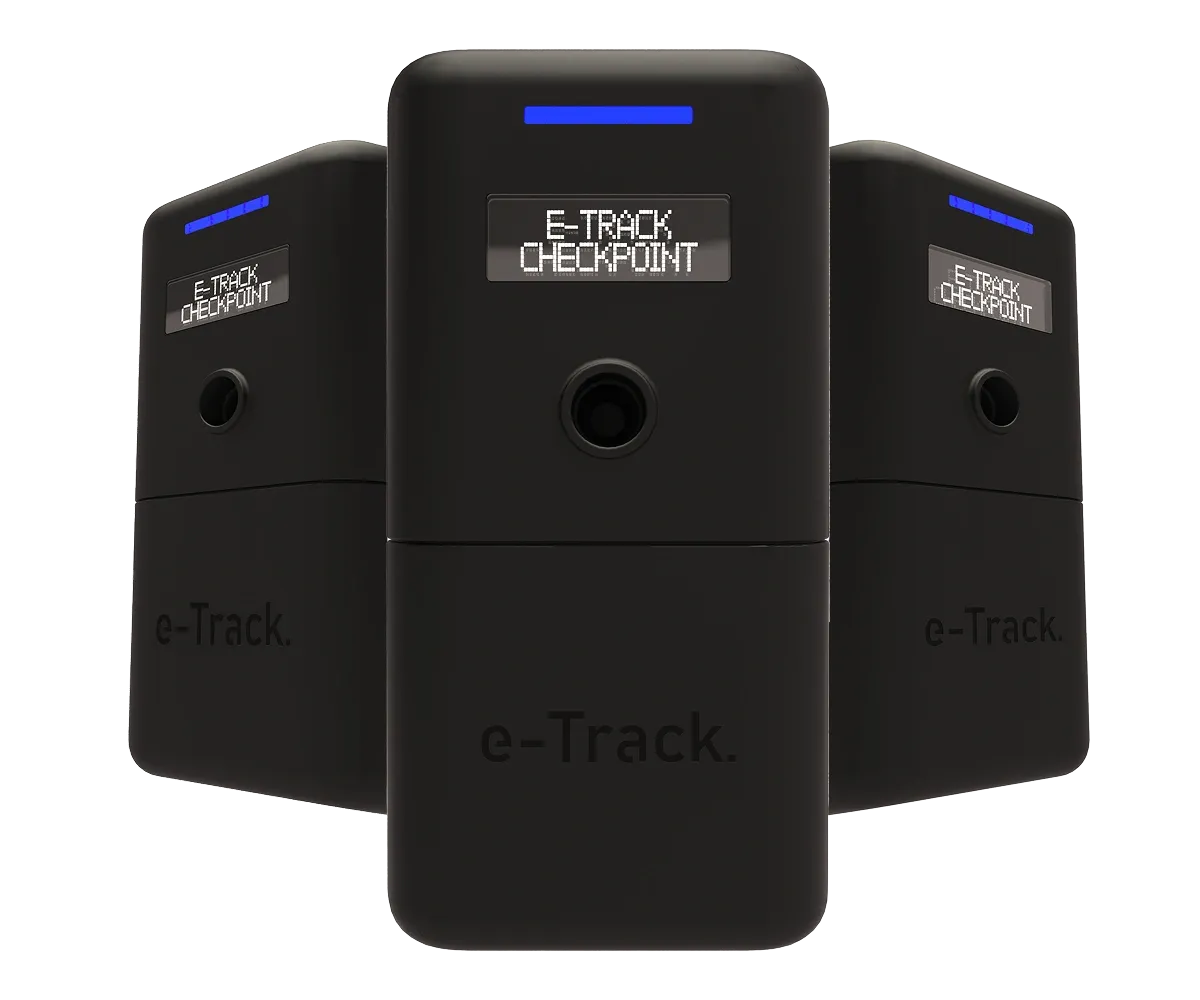
By inserting a key FOB into a designated Checkpoint, the associated asset automatically progresses through predefined workflow stages in real time. No manual updates. No spreadsheets. No guesswork.
When a FOB is inserted into a Checkpoint, the associated asset instantly progresses to the next predefined workflow stage within the Enterprise WIP Tracker. No manual updates. Just seamless, real-time movement.
If the asset enters its first Checkpoint, the system automatically generates a new WIP card. This ensures every process begins with a structured digital record, removing the need for manual job creation.
Every stage movement is automatically time-stamped, providing accurate data on how long assets spend at each point in the workflow. Ideal for efficiency reporting and identifying operational bottlenecks.
Because each key is assigned to an authorised user when removed from a key system, all Checkpoint activity is linked back to that individual. This creates a clear and reliable audit trail without additional input.
All Checkpoint activity updates the Enterprise dashboard in real time. Managers gain immediate visibility of asset location, stage progression, and workflow performance across one site or multiple locations.
Each Checkpoint includes an integrated LED display that provides immediate visual confirmation when a FOB is successfully read. This ensures users know the stage transition has been captured, reducing uncertainty and re-insertions.
An authorised user removes a key from an e-Track system. The asset is linked to that individual, which establishes accountability.
When the first Checkpoint is used, the WIP Tracker automatically creates a new workflow card and assigns it to the relevant stage.
As the FOB is inserted into strategically placed Checkpoints across your site, the asset progresses through predefined operational stages in real time.
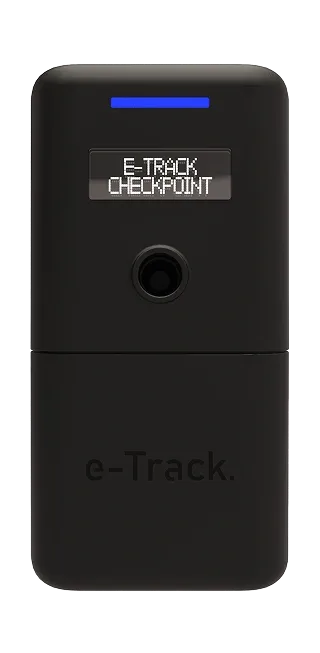
Every Checkpoint insertion is time-stamped within the software, building a precise record of how long the asset remains at each stage.
Each transition feeds directly into the WIP dashboard, providing managers with instant visibility of location, status, and workflow progression.
When the key returns to a compatible key system, configurable return questions or checklists can confirm stages completed.
Checkpoints connect your workflow stages. The WIP Tracker converts every stage transition into live performance data, tracking duration, identifying delays, and standardising workflow across departments and locations.

No manual updates and no spreadsheets. e-Track Checkpoints automatically progress workflow stages as FOBs move through your site, with full audit trail and live visibility.
Checkpoints is for organisations that need controlled key access, traceability, and a clearer way to manage daily key movements.
e-Track helps by aligning key cabinets, software, installation support, and sector experience around the control problem described on this page.